


Sketch UI
Improvements to the Prototype Inspector
For designers, prototyping isn’t a nice-to-have — it’s the primary way intent gets communicated to stakeholders, developers, and collaborators.
That makes the efficiency of the prototyping setup itself a surprisingly high-stakes UX problem, where the tools involved should be powerful enablers, but dissolving into the workflow, invisible enough not to interrupt.
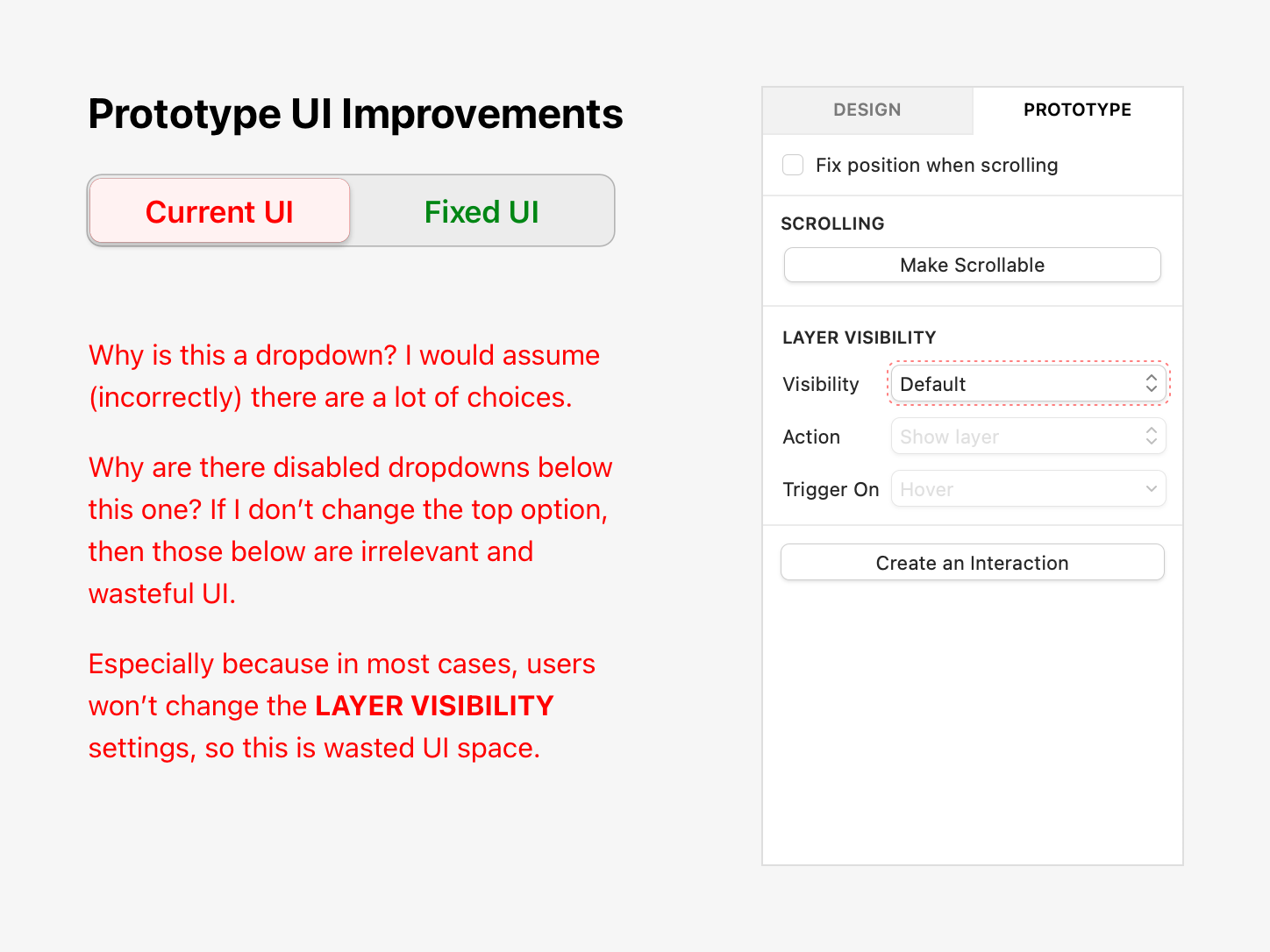
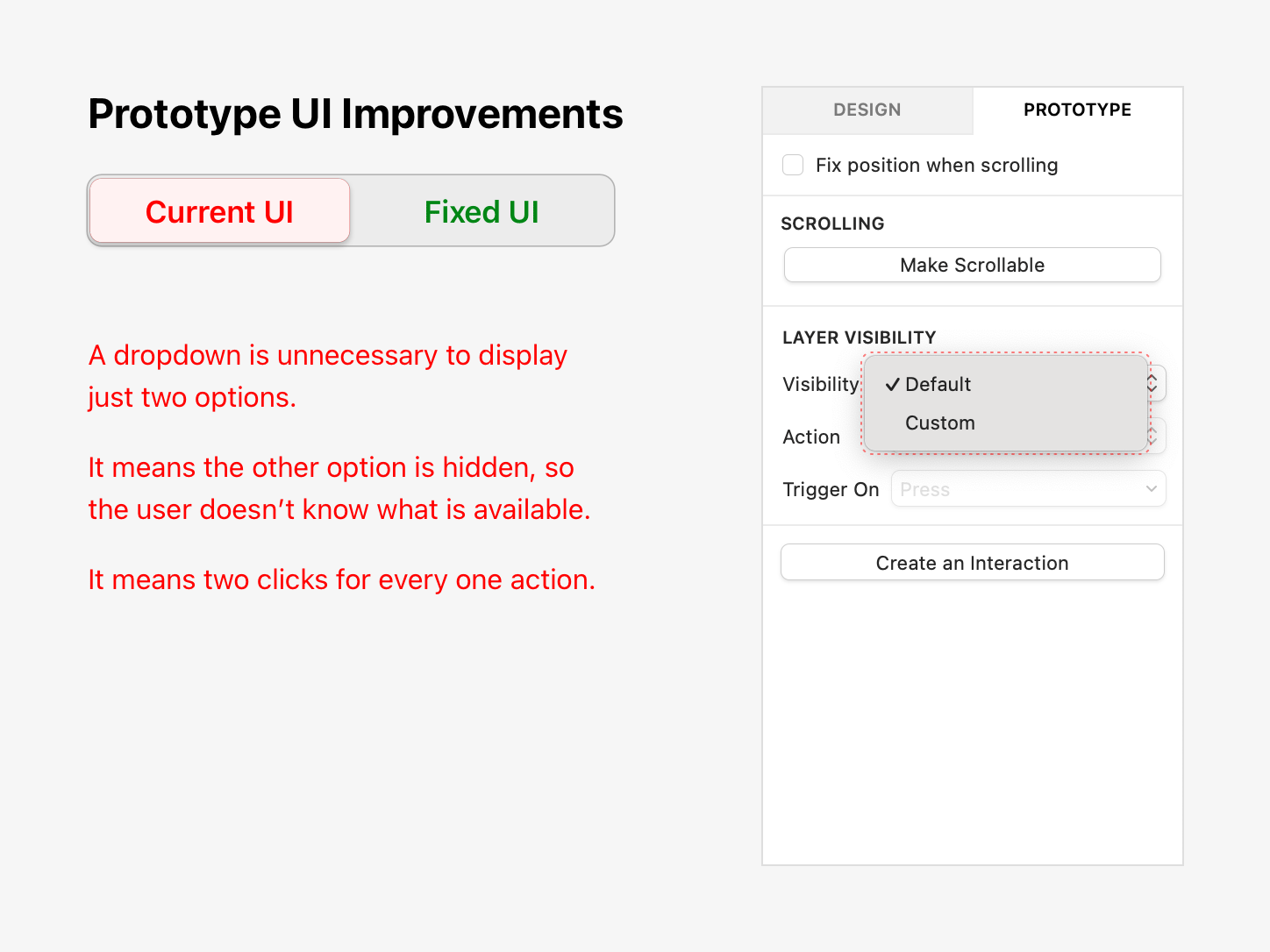
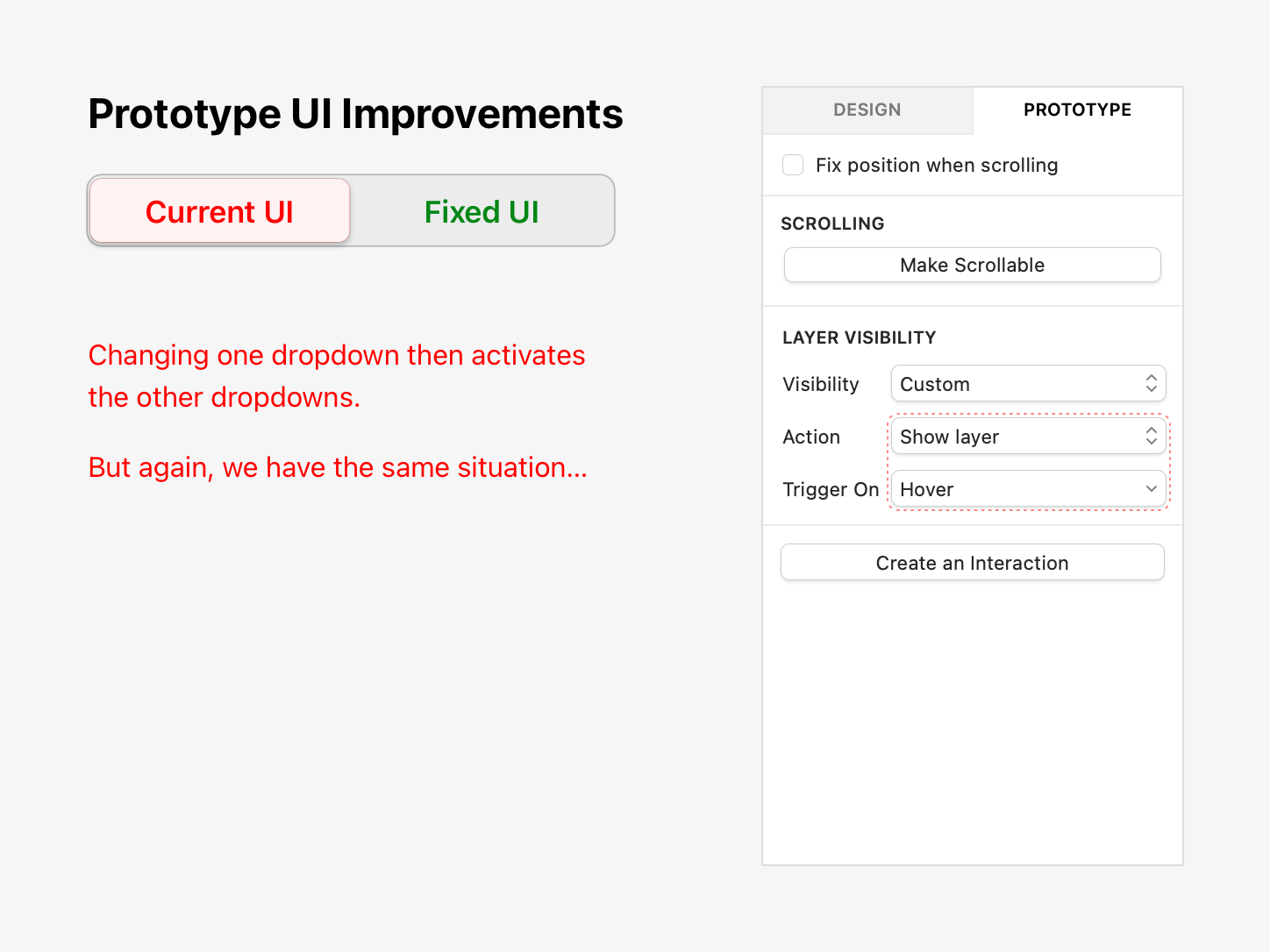
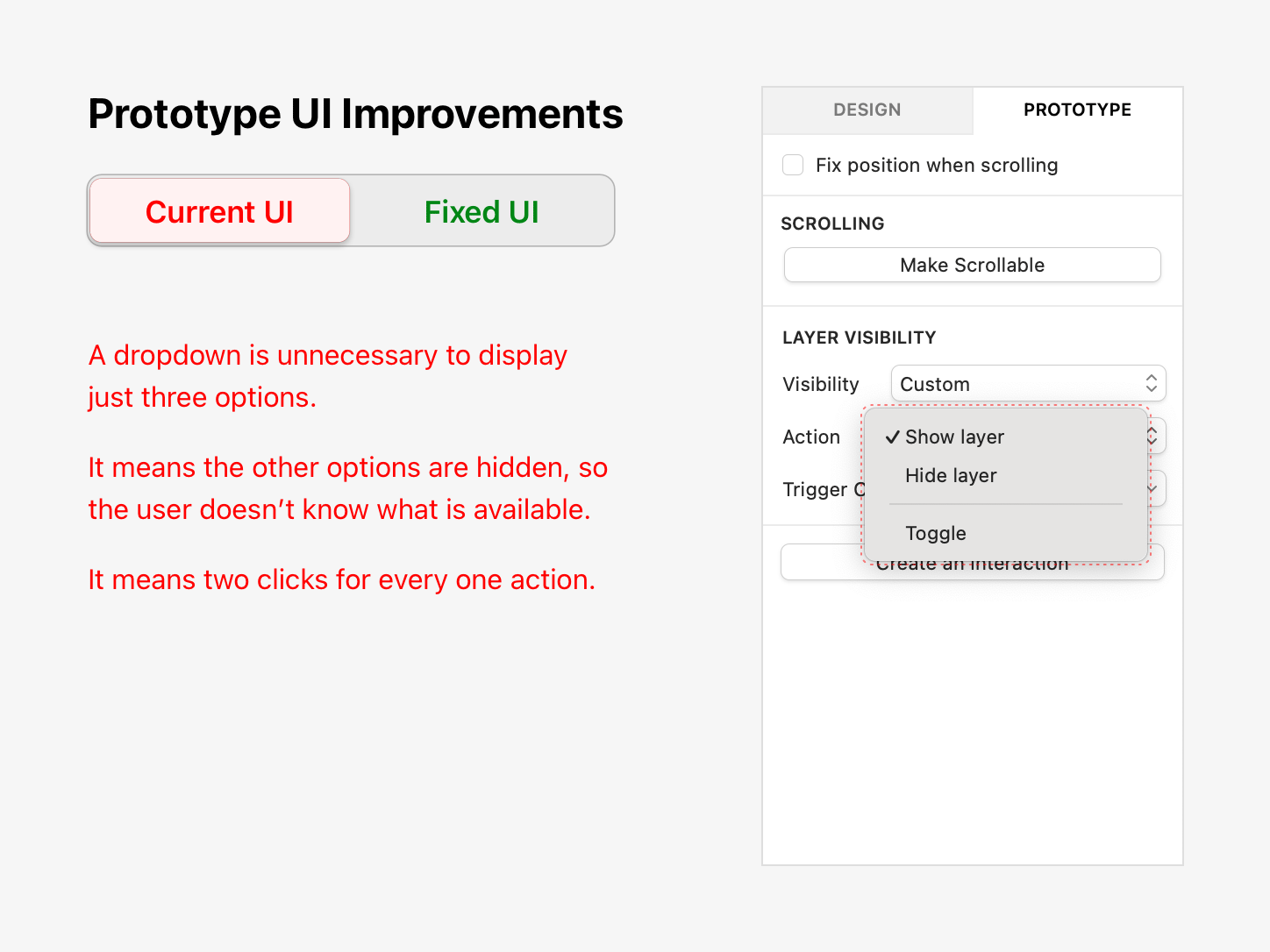
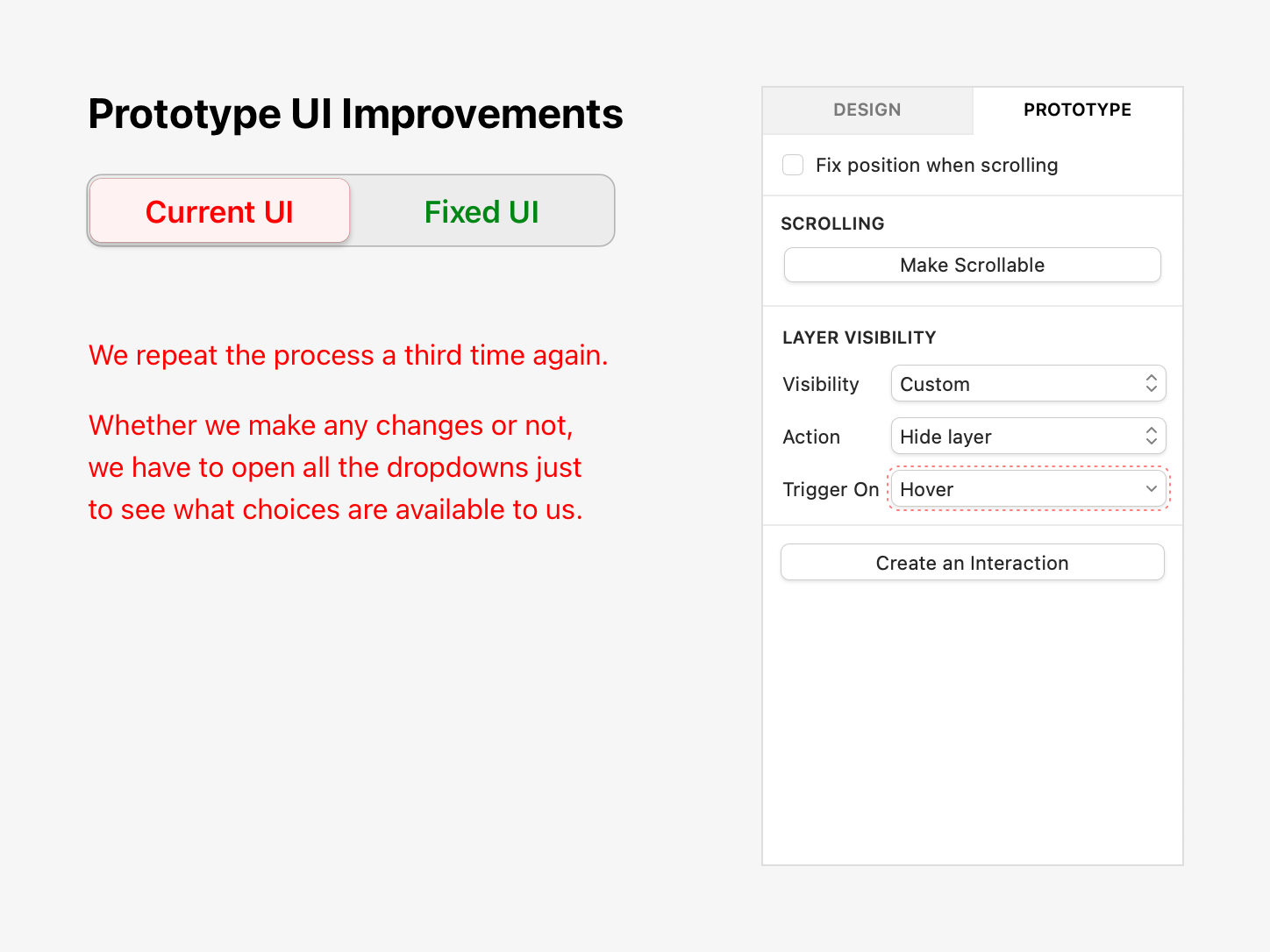
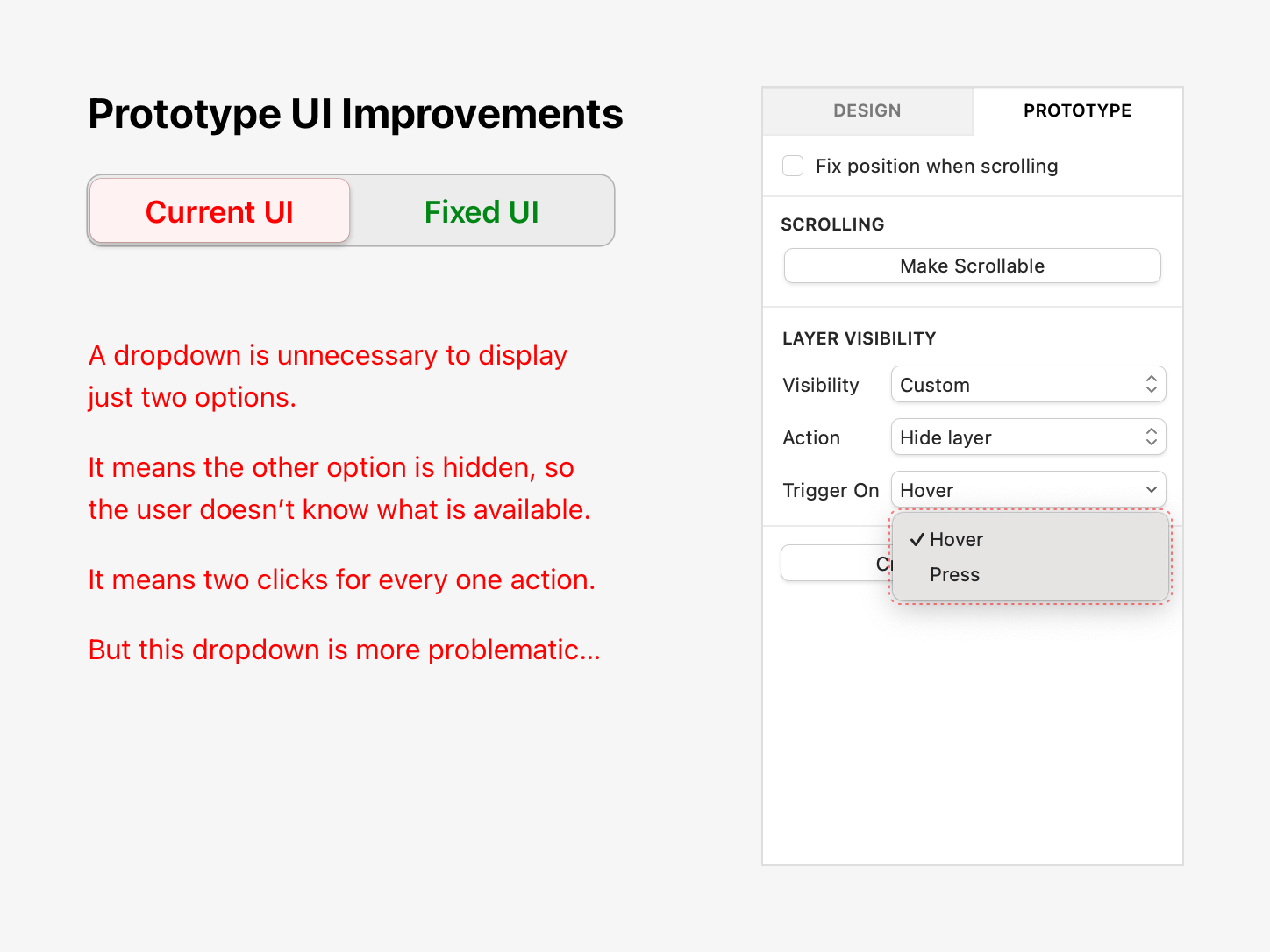
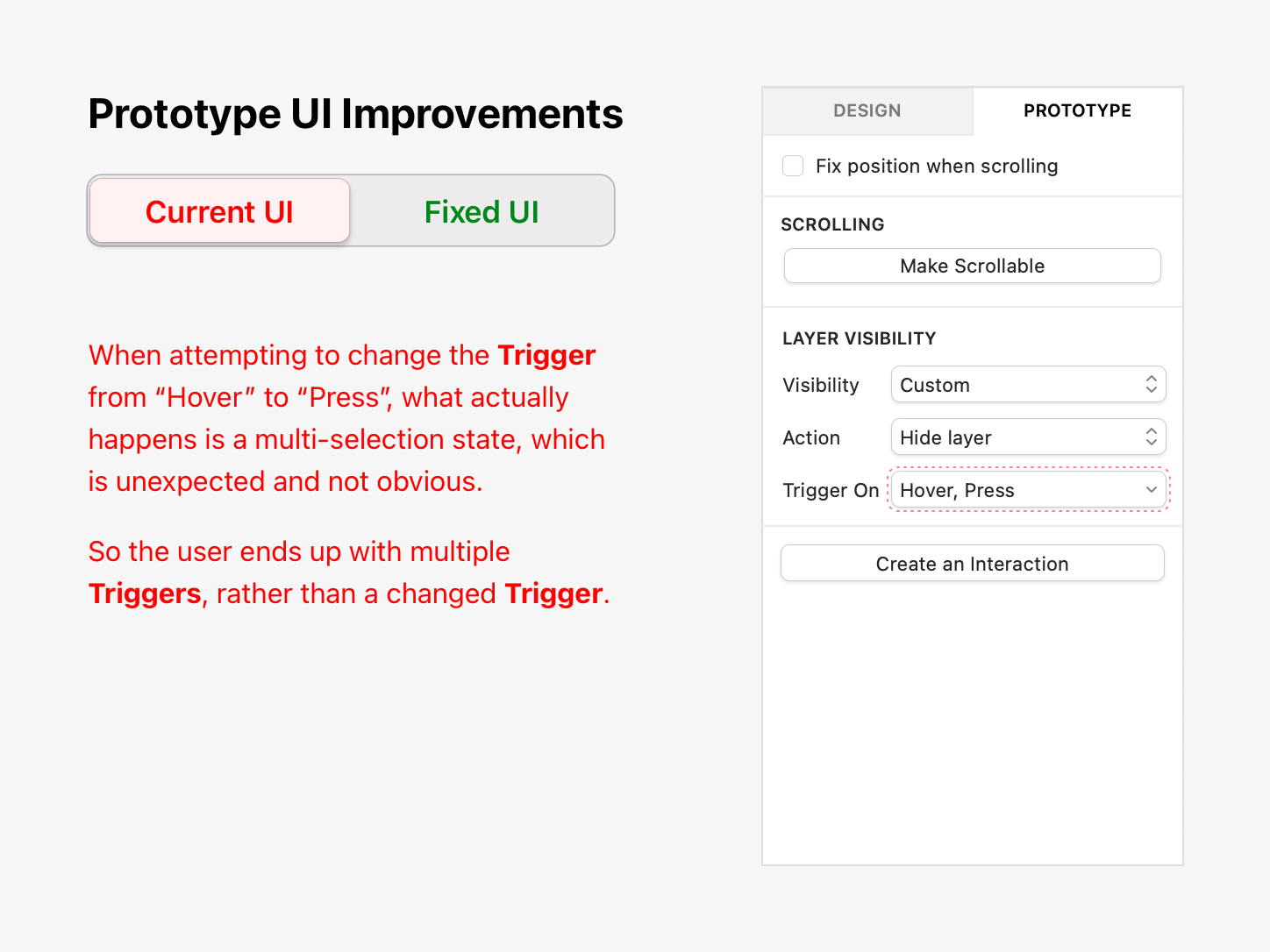
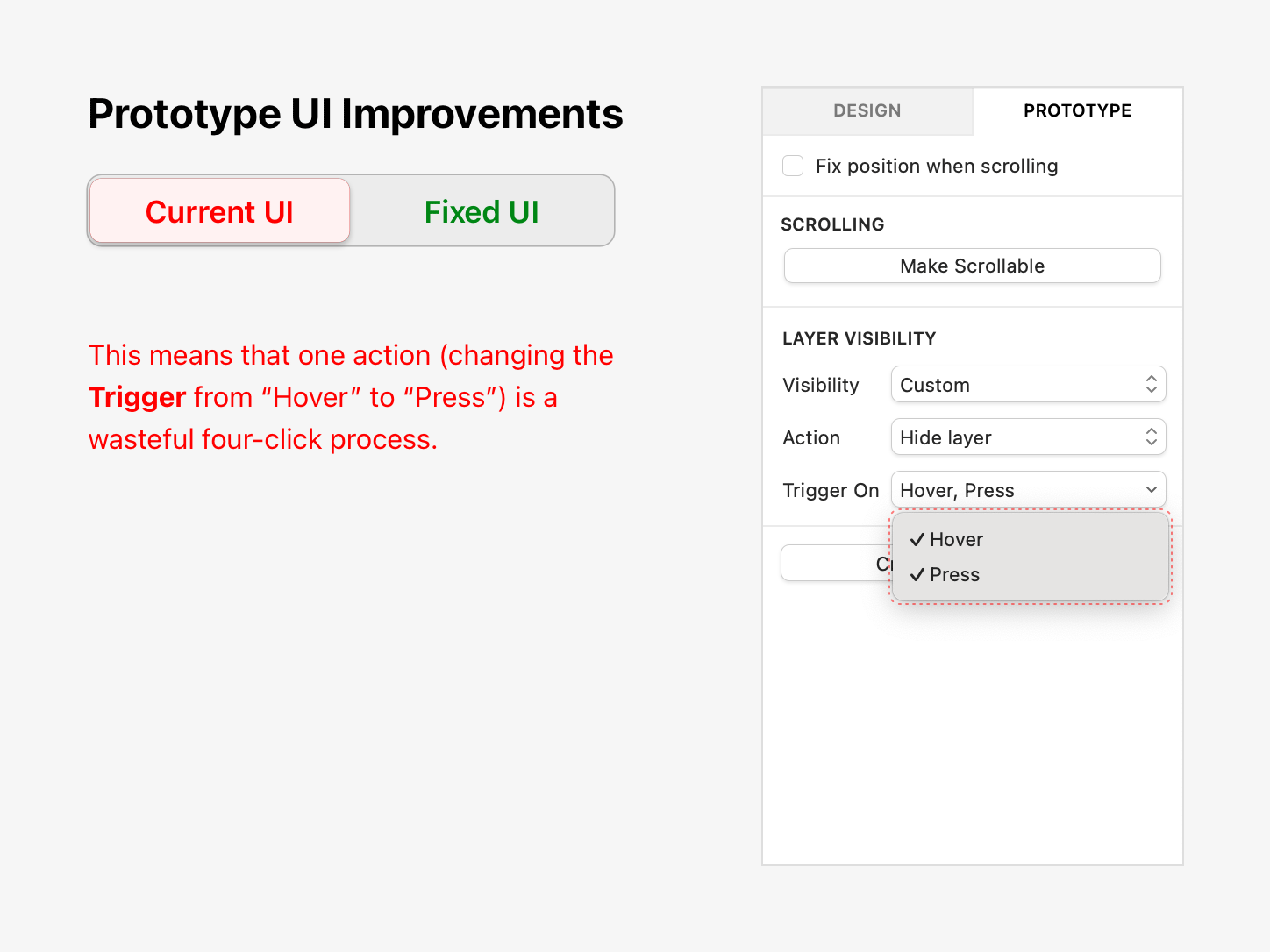
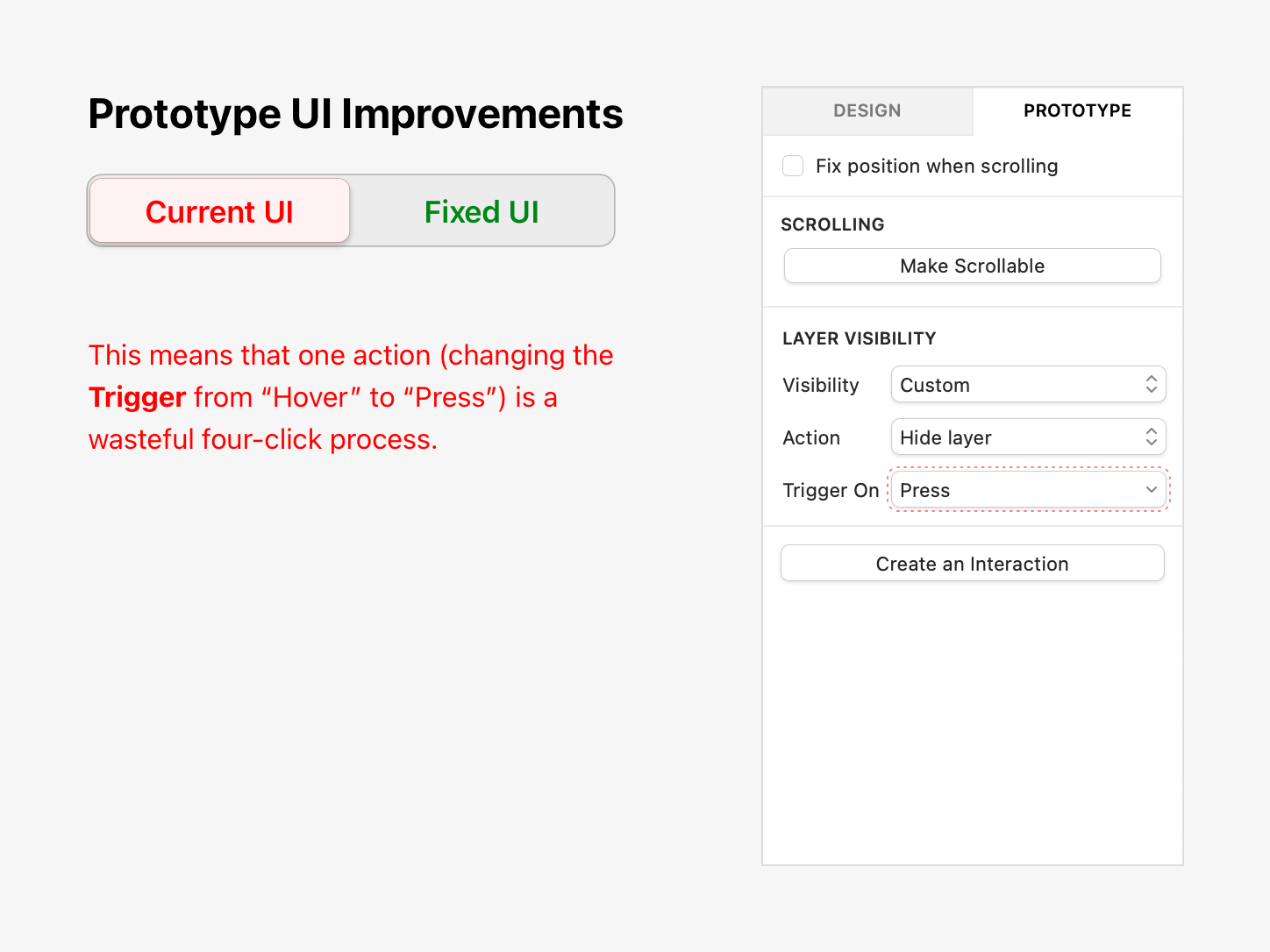
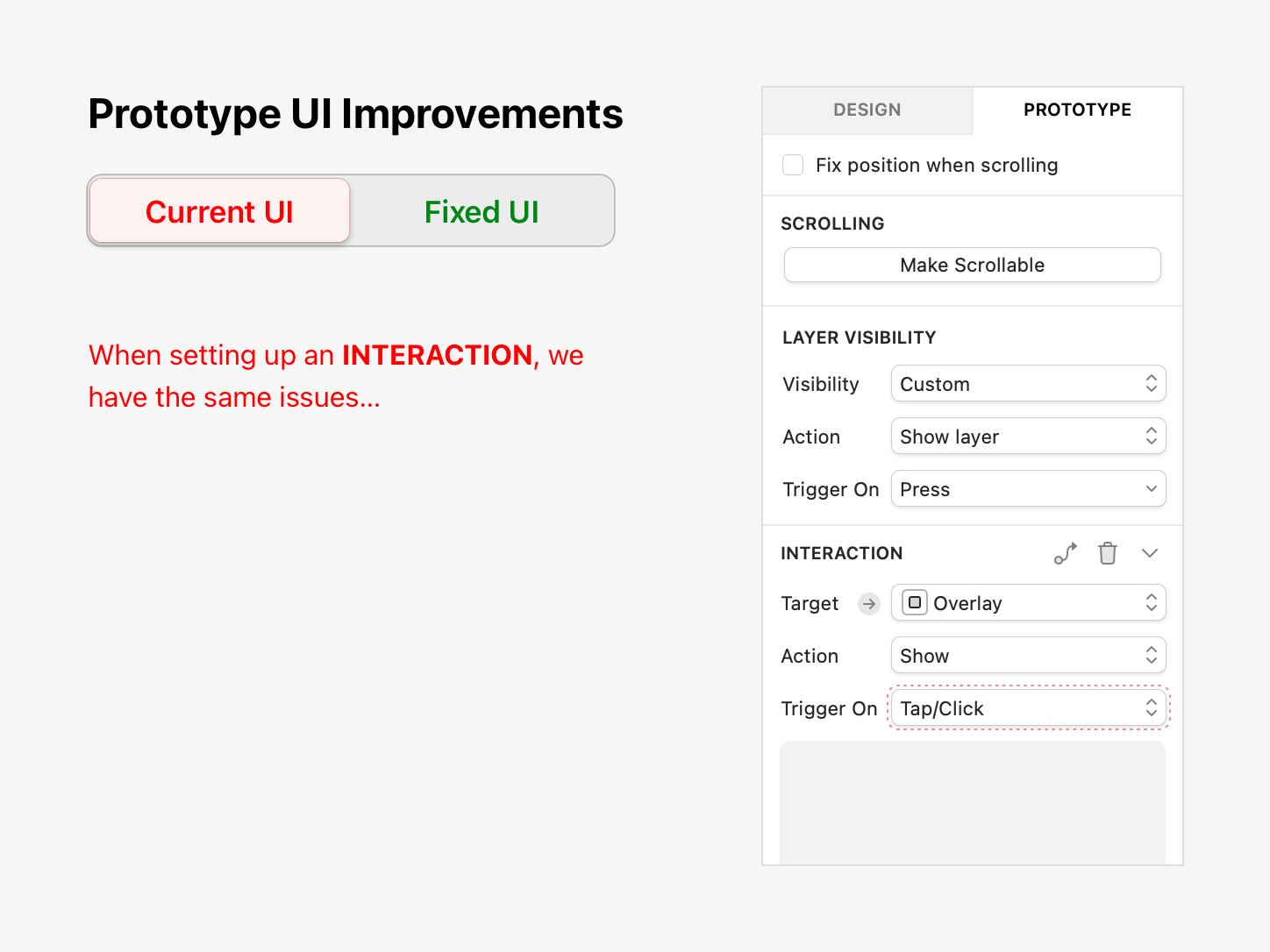
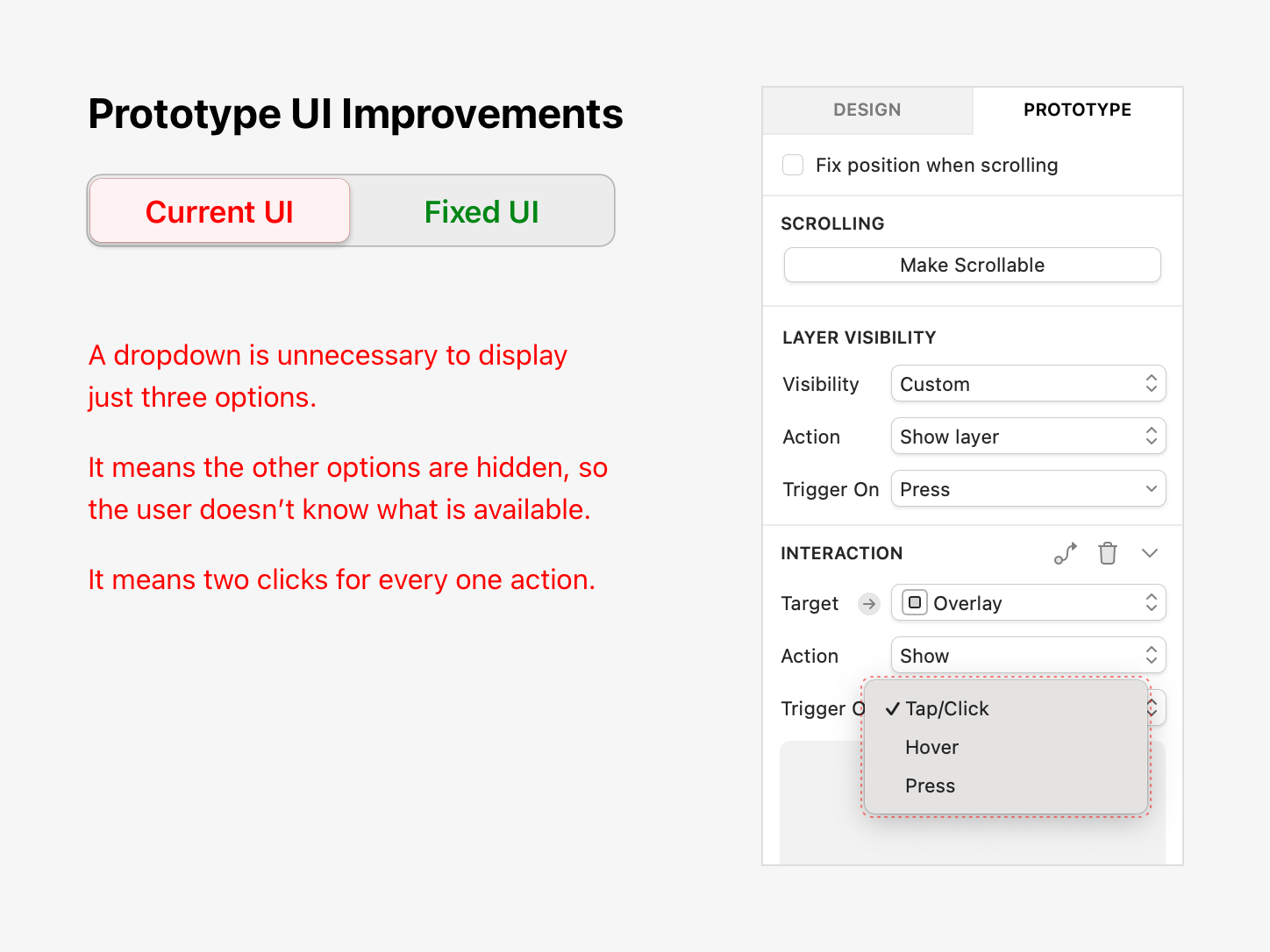
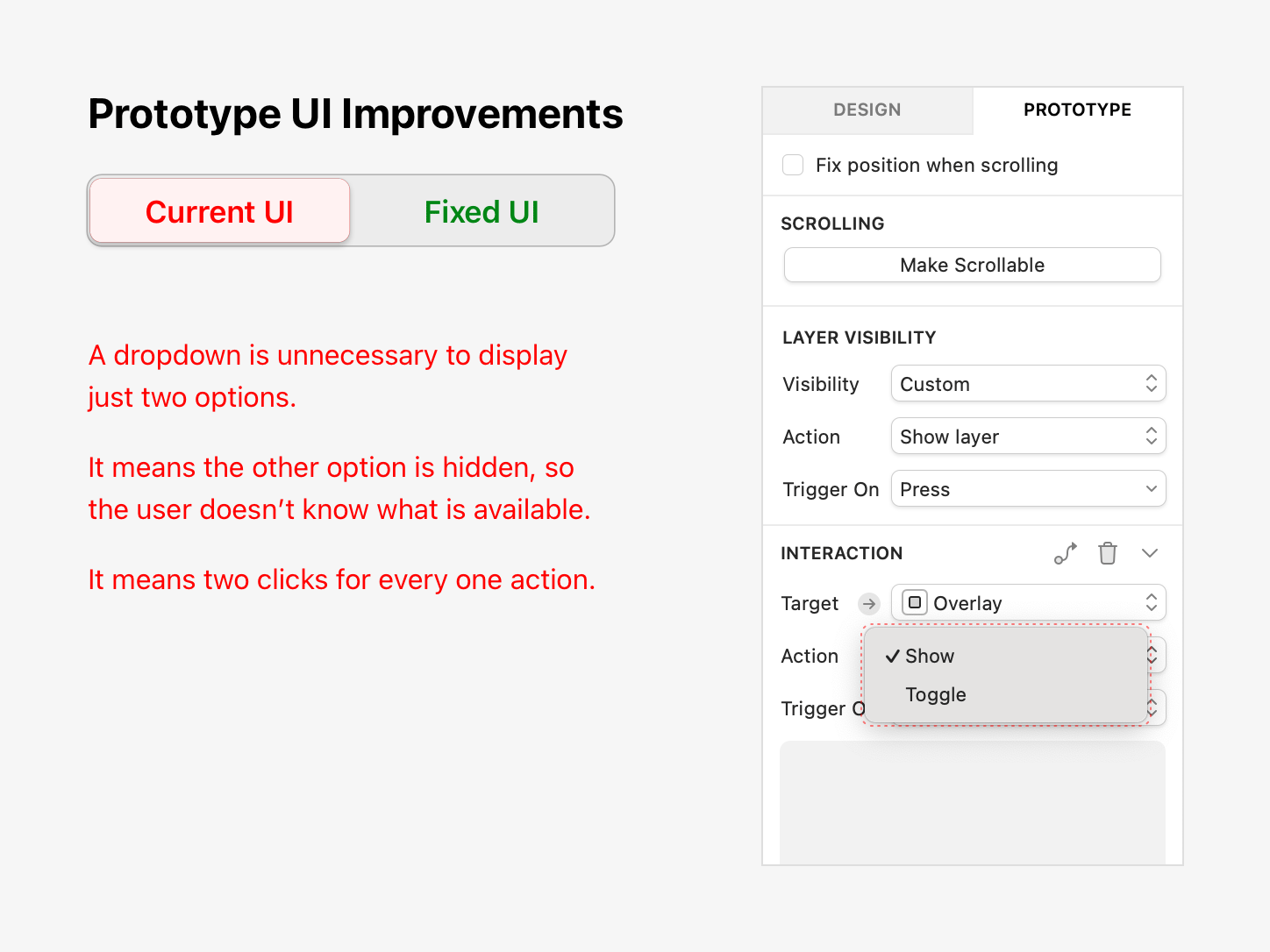
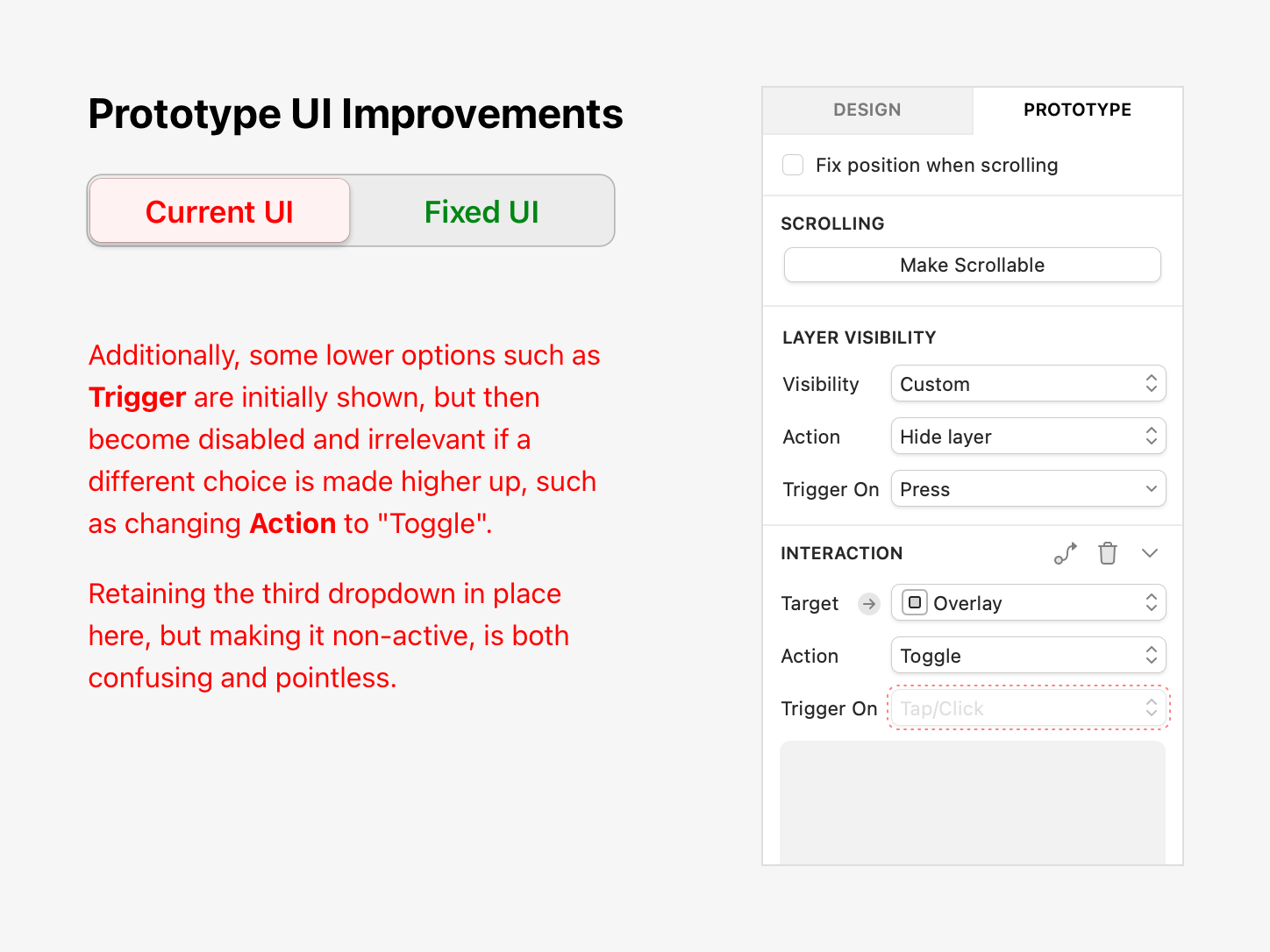
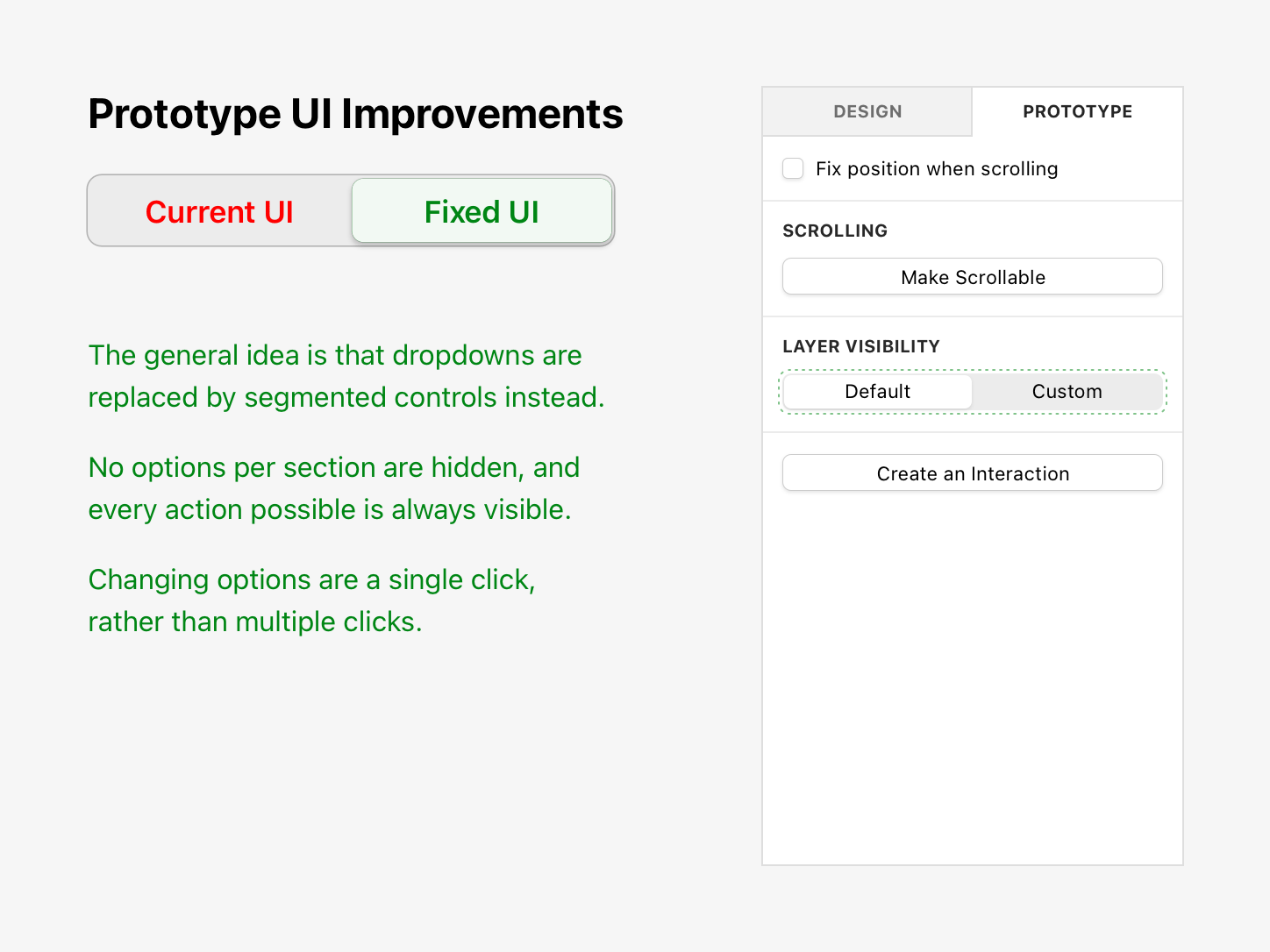
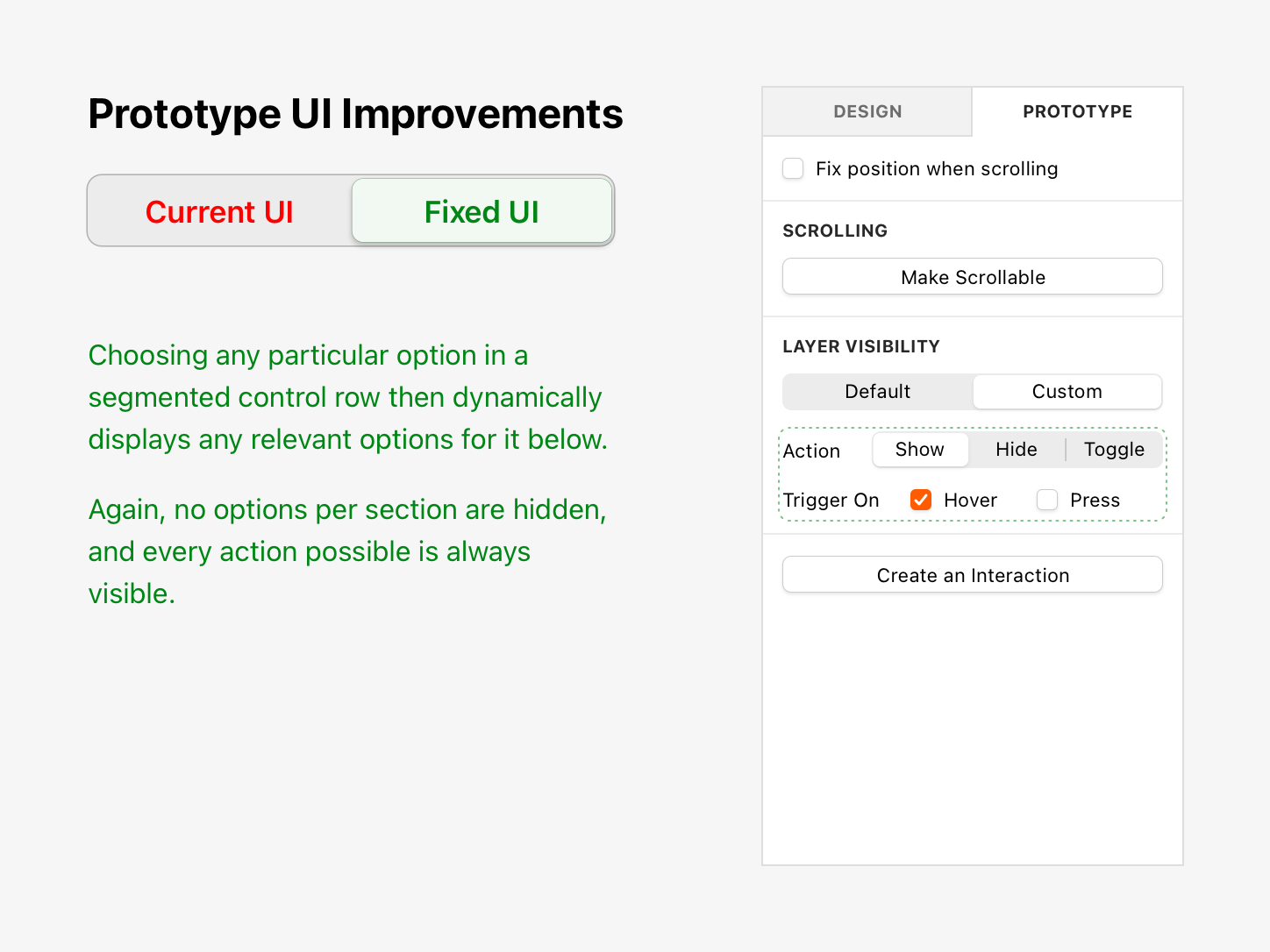
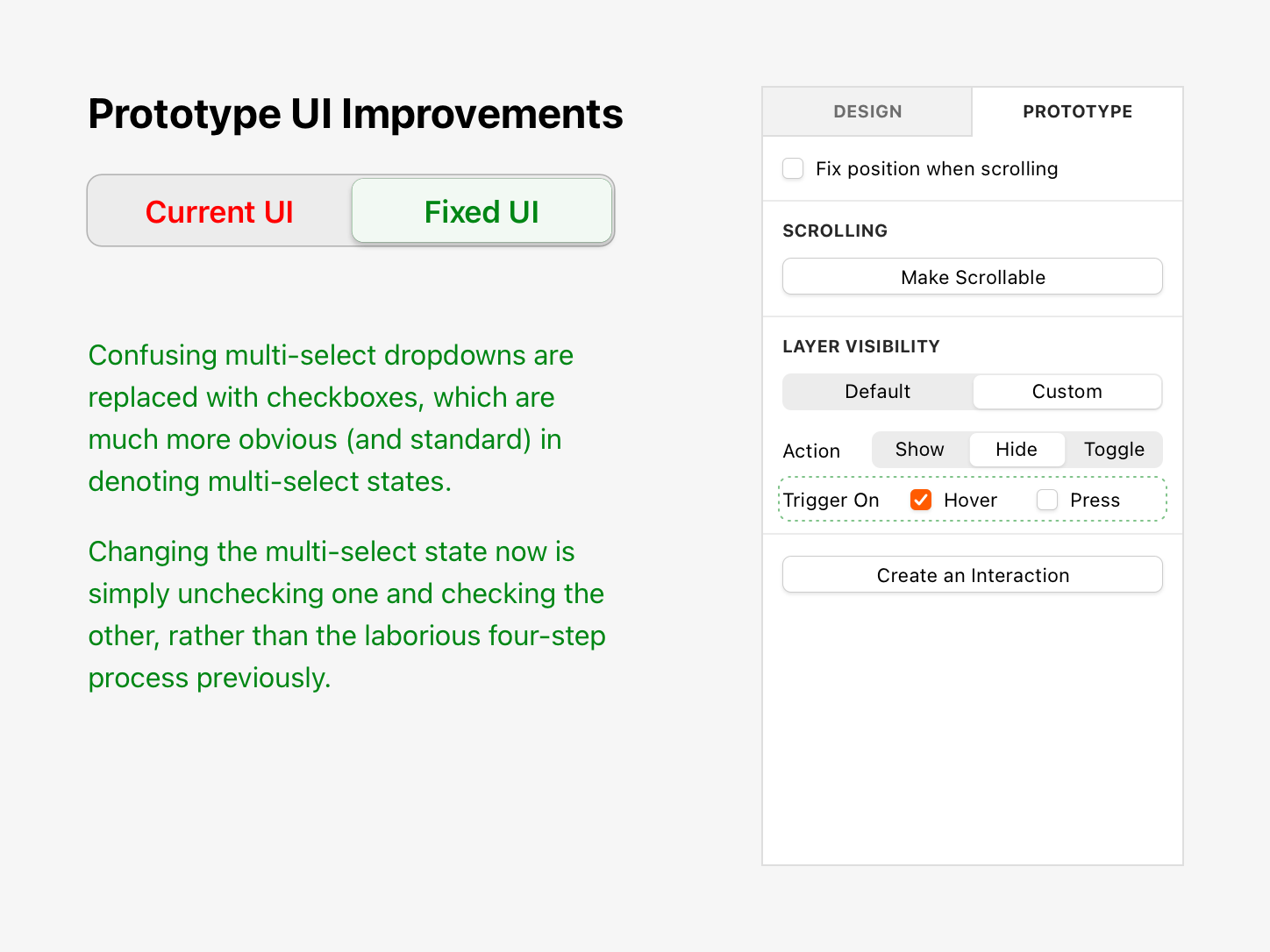
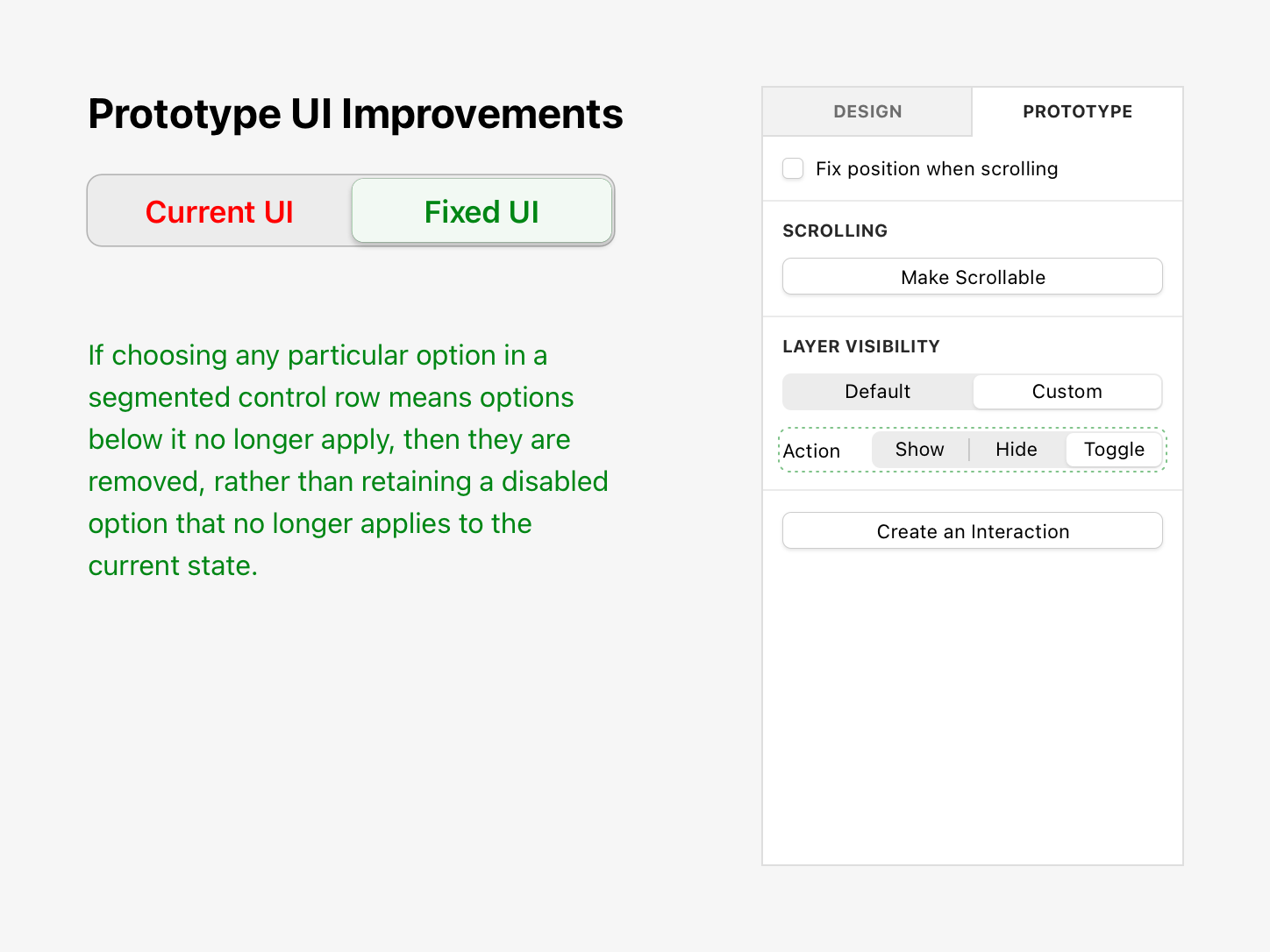
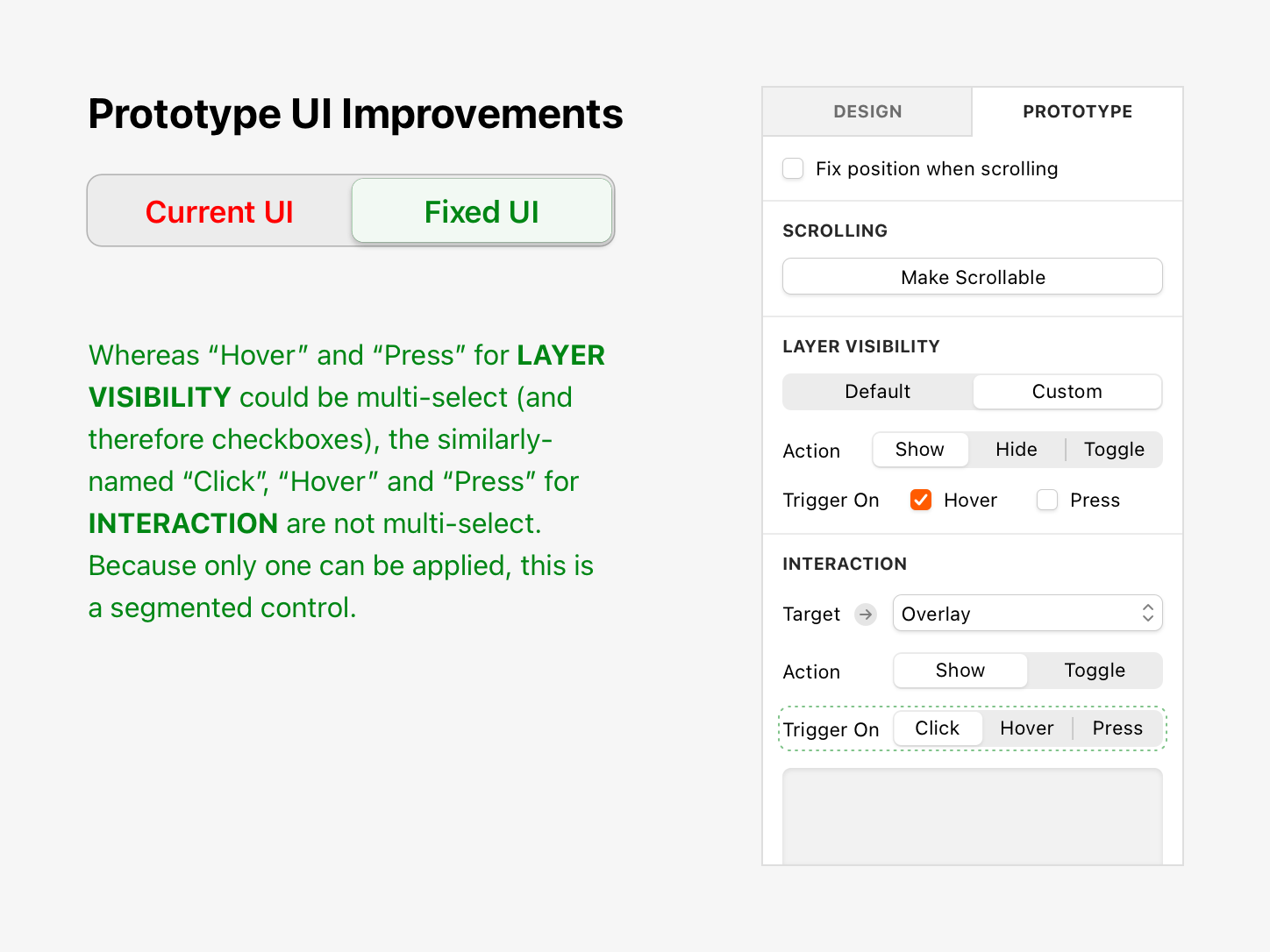
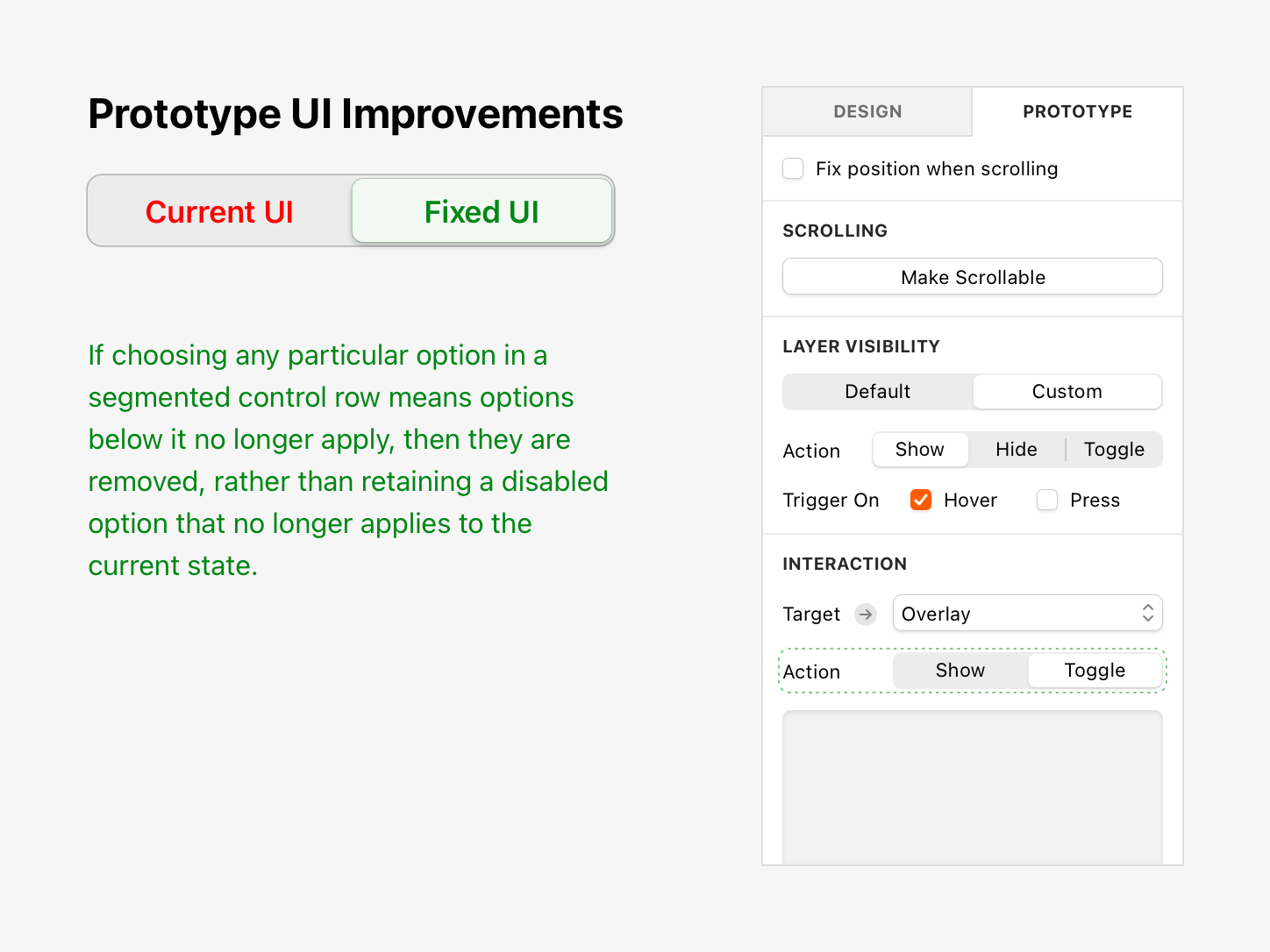
A recent expansion of Sketch’s prototyping feature set introduced new capabilities, but in adapting the UI to accommodate them, prioritising visual consistency, some critical usability considerations were compromised, slowing down the repetitive interactions that accumulate across a full design session.
I diagnosed the root causes of that friction and proposed a redesigned interface that preserves every piece of existing functionality while making interactions significantly faster and easier to understand. The result is a leaner, more intuitive experience that respects both the designer’s workflow and their time.
See also:



Arbolito
UX/UI • App • Prototyping
Beko PLC
UX/UI • Website • Case Study

#SketchTips
Motion Design • Marketing • Audio Editing
Dog Friendly
UX/UI • Website
Blog Animations
Motion Design • Marketing • Illustration
Parachute Panic
Game • Illustration • Animation • UX/UI • Case Study

Leisure Food
UX/UI • App • Motion Design • Prototyping
Beyond Ynth
Game • Illustration • Animation • UX/UI

Sketch Tutorials
Marketing • UX/UI • Motion Design • Audio Editing

Projecto
UX/UI • App • Case Study

Social Videos
Marketing • Motion Design • Illustration • Audio Editing

Buy: Case Study
Case Study • UX/UI • Marketing • Website
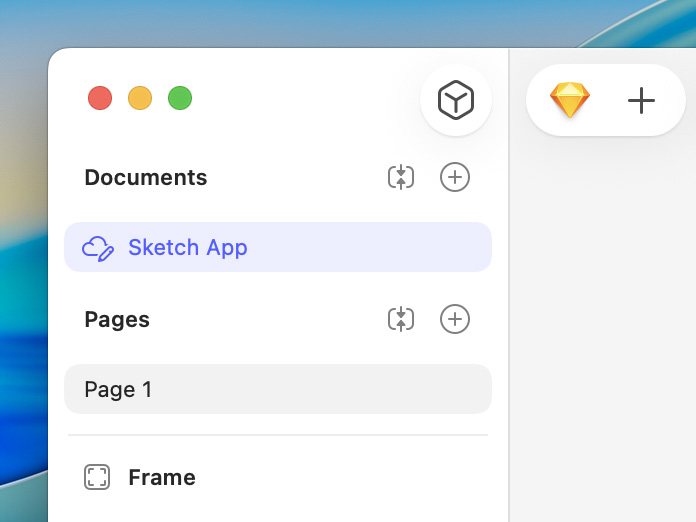
Sketch UX / UI Improvements
Case Study • UX/UI • Prototyping • Motion Design • Audio Editing

London Unfurled
UX/UI • App

Emails
Marketing • Illustration

Canary Islands
UX/UI • Website • Prototyping • Marketing
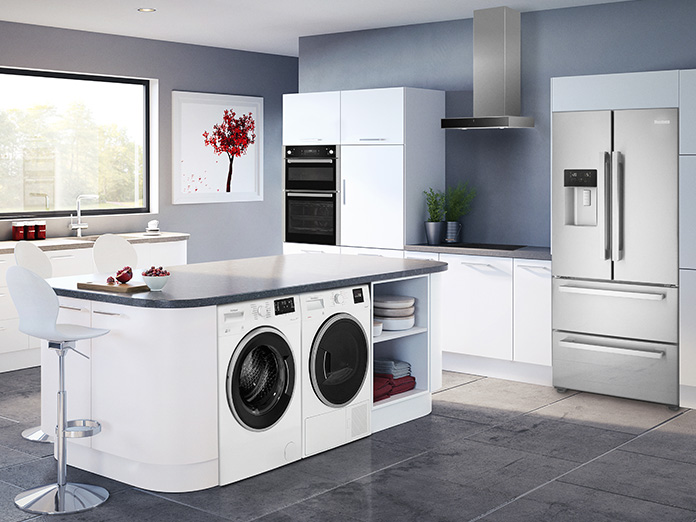
Blomberg
UX/UI • Website

Icons
UX/UI • Illustration • Marketing • App • Game

This is just a small selection of my work. Please contact me if you wish to see more.